These are captures of the buyer edition rendered in an Android emulator and Chrome. All names, text, counts and activity shown are fictional. The mobile APK is an offline sample; the public admin preview is read only. The installed product uses the buyer’s Firebase project for connected workflows.
Main mobile screens
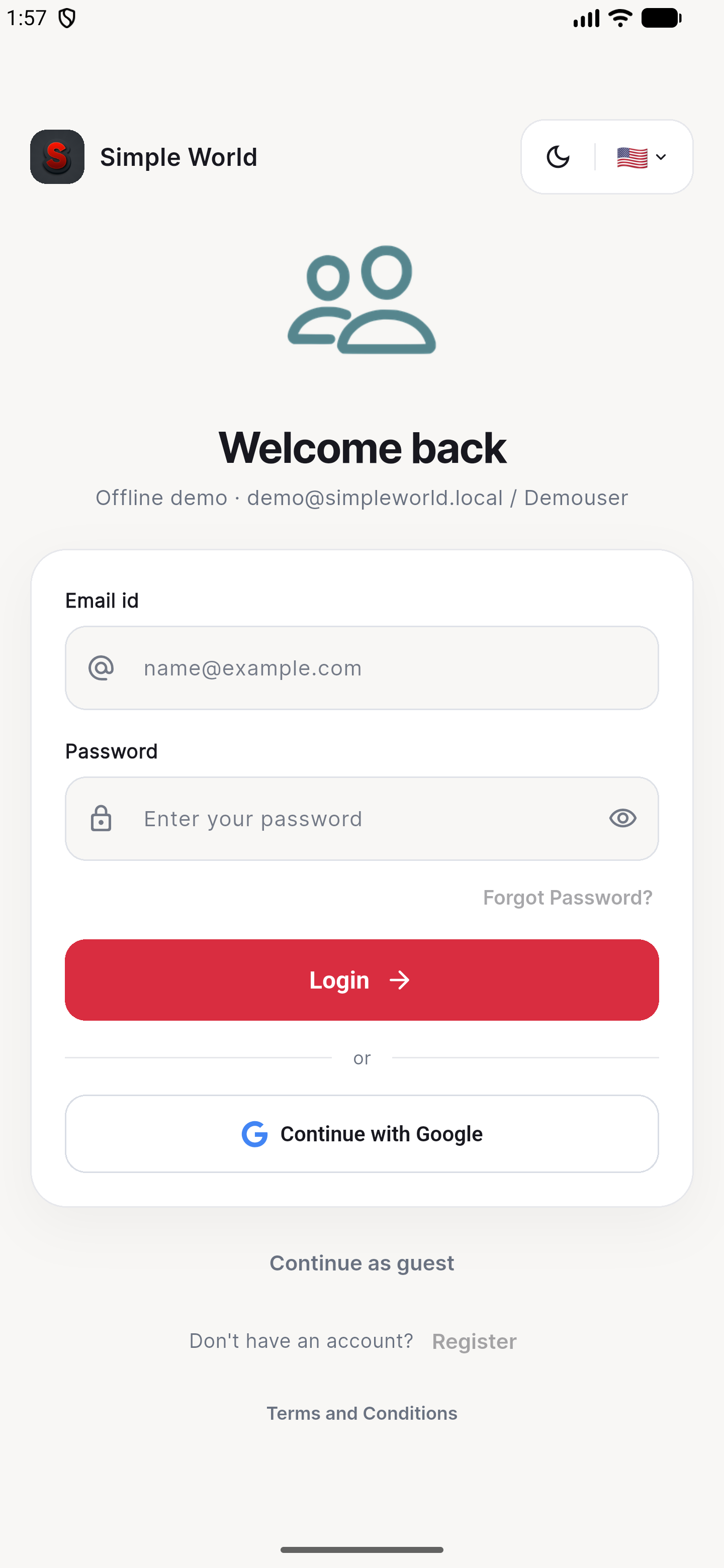
The existing sign-in screen in the separately packaged offline demonstration.
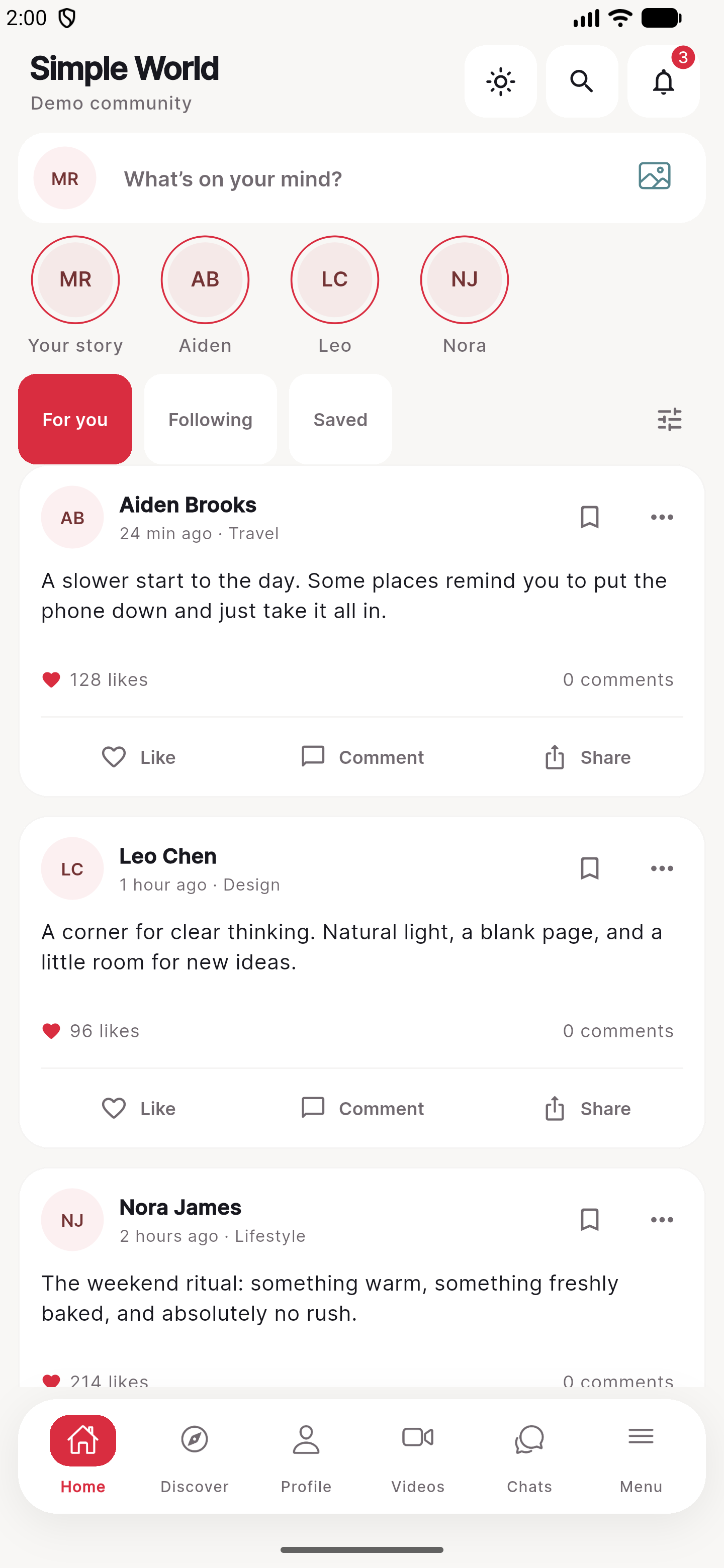
Local fictional posts, composer and the red floating navigation.
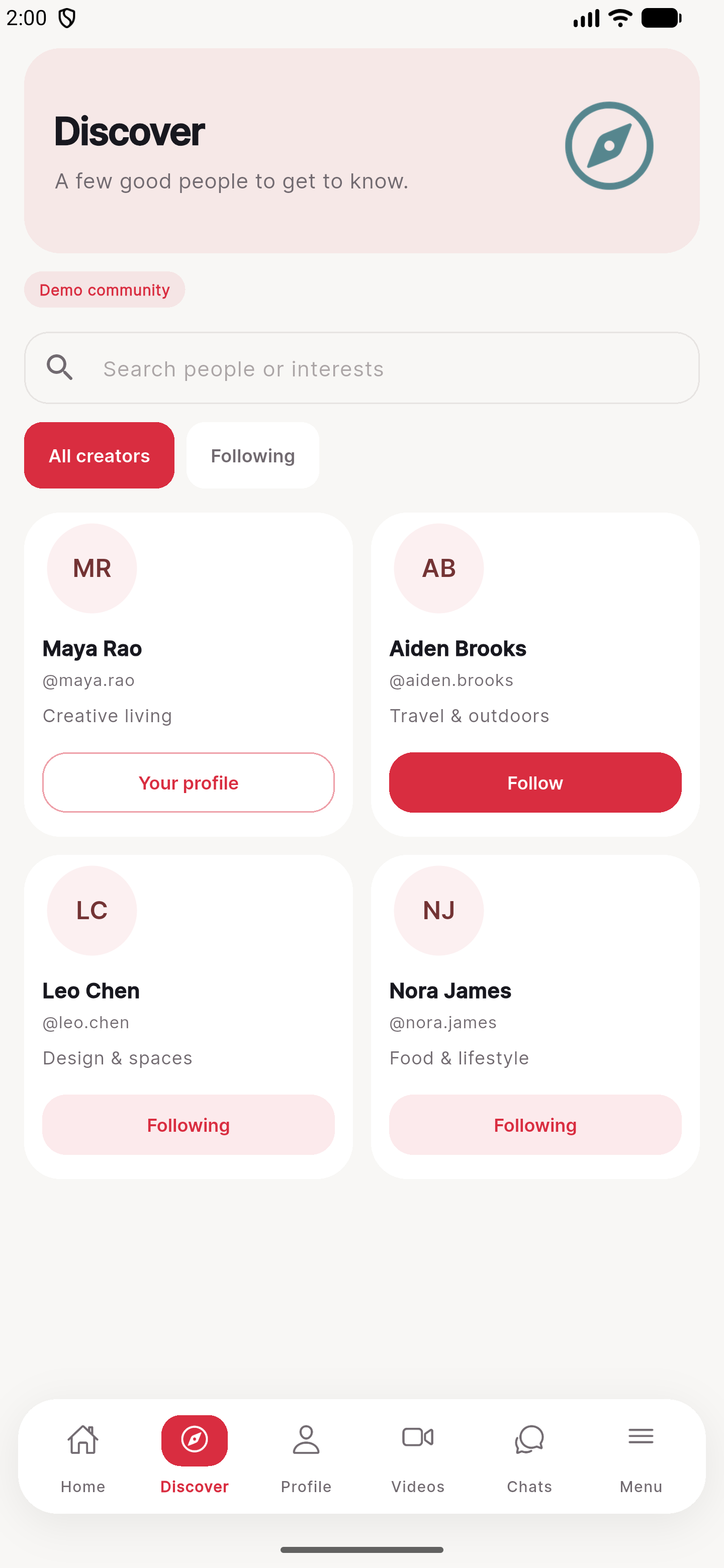
Searchable fictional member cards.
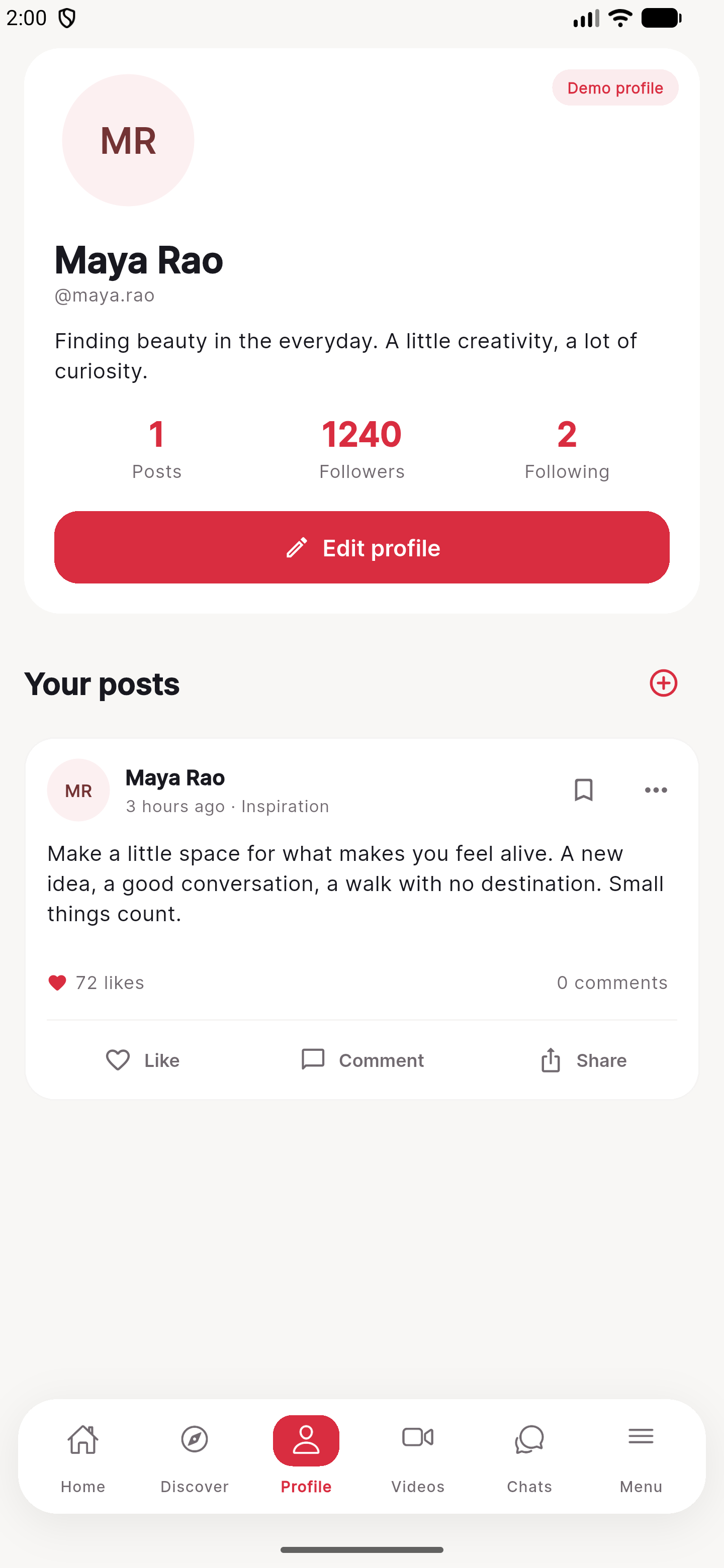
Fictional profile details and local posts.
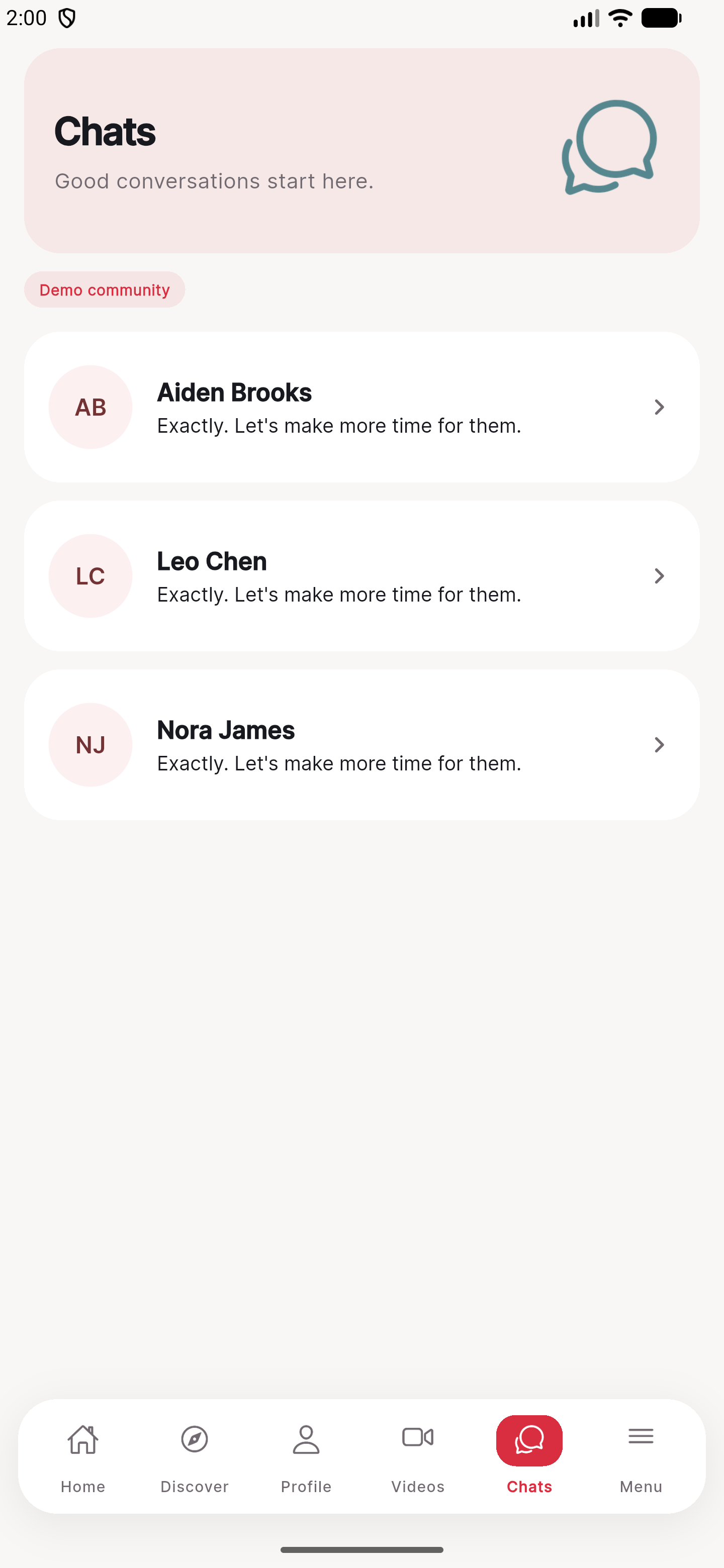
Sample conversations stored on the demonstration device.
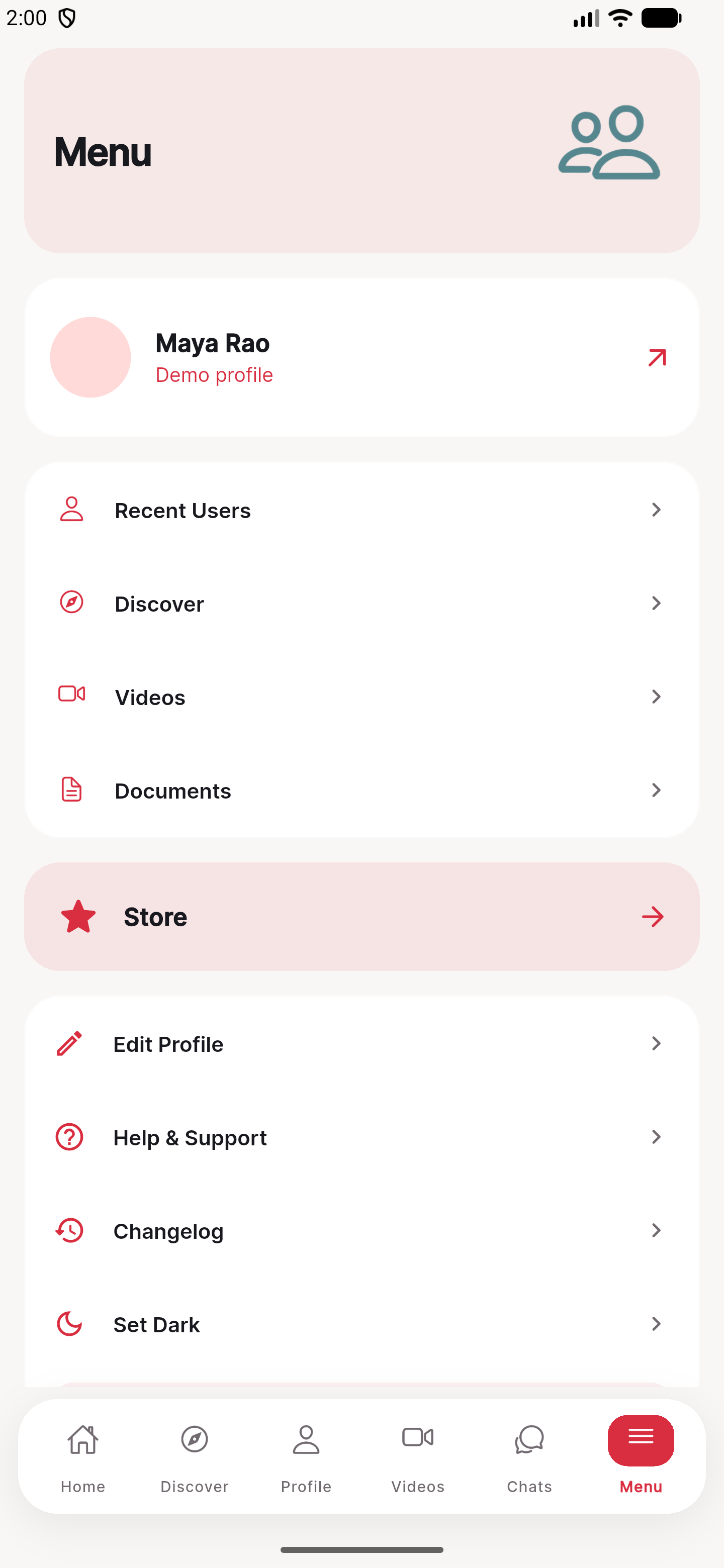
Navigation, appearance and local profile controls.
Flutter web admin screens
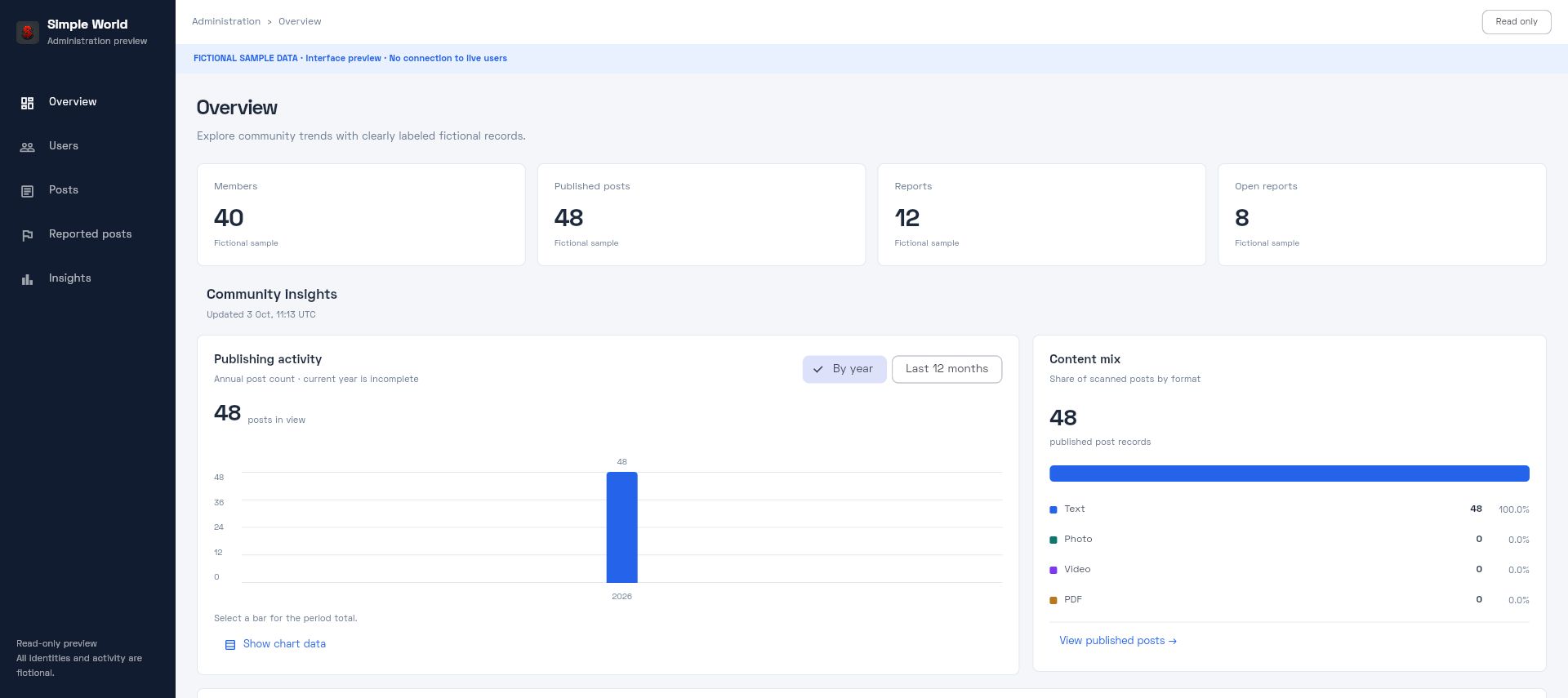
The included Flutter administration layout, summary cards and dated fictional chart buckets.
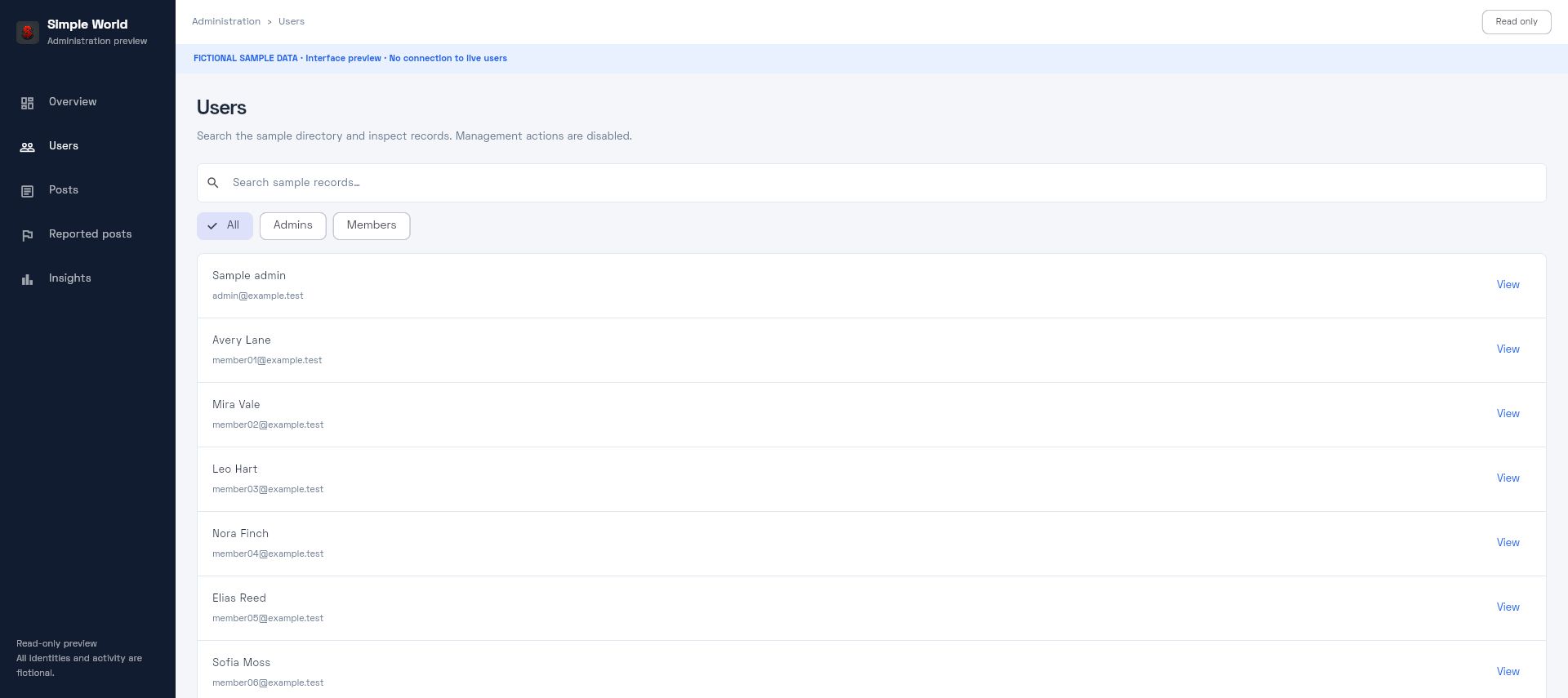
Search and record inspection in the read-only fictional preview.
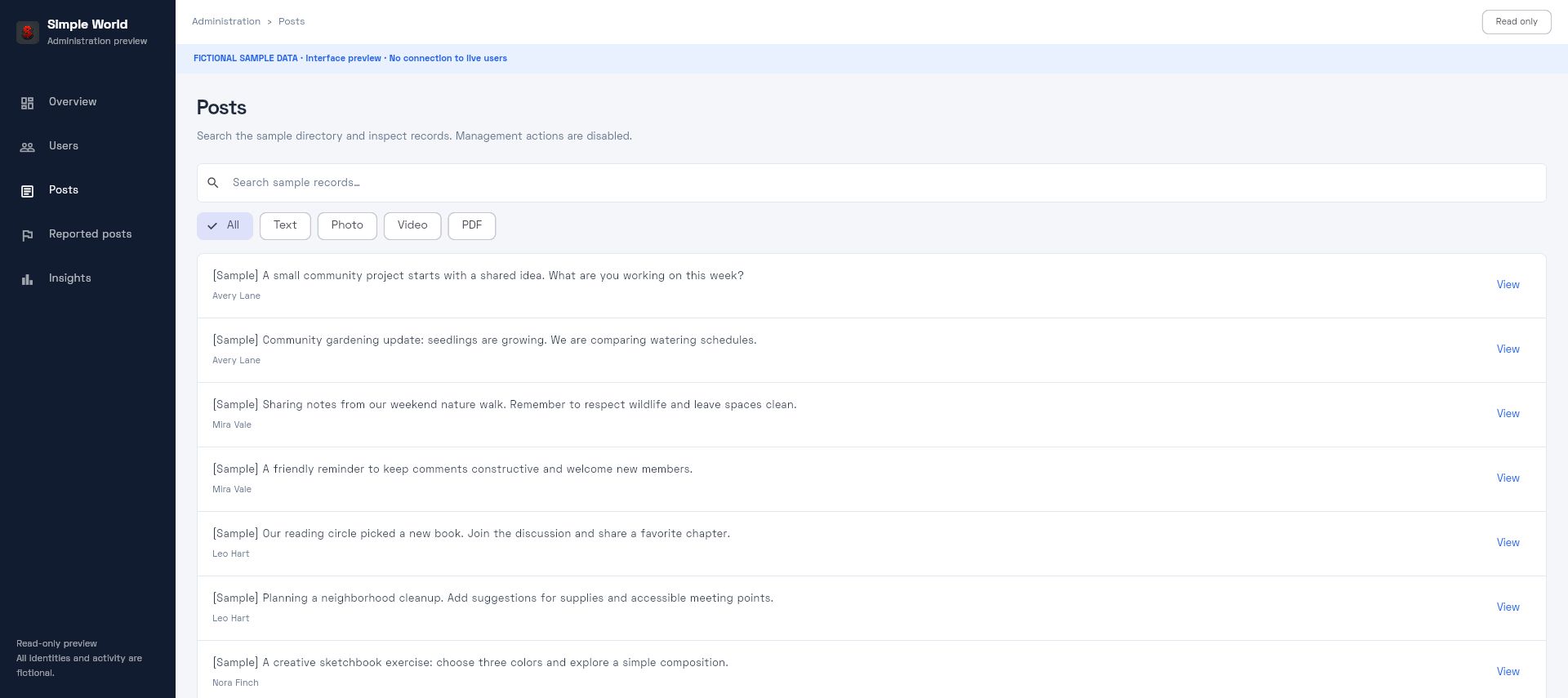
Fictional text posts. Live moderation requires a configured authenticated installation.
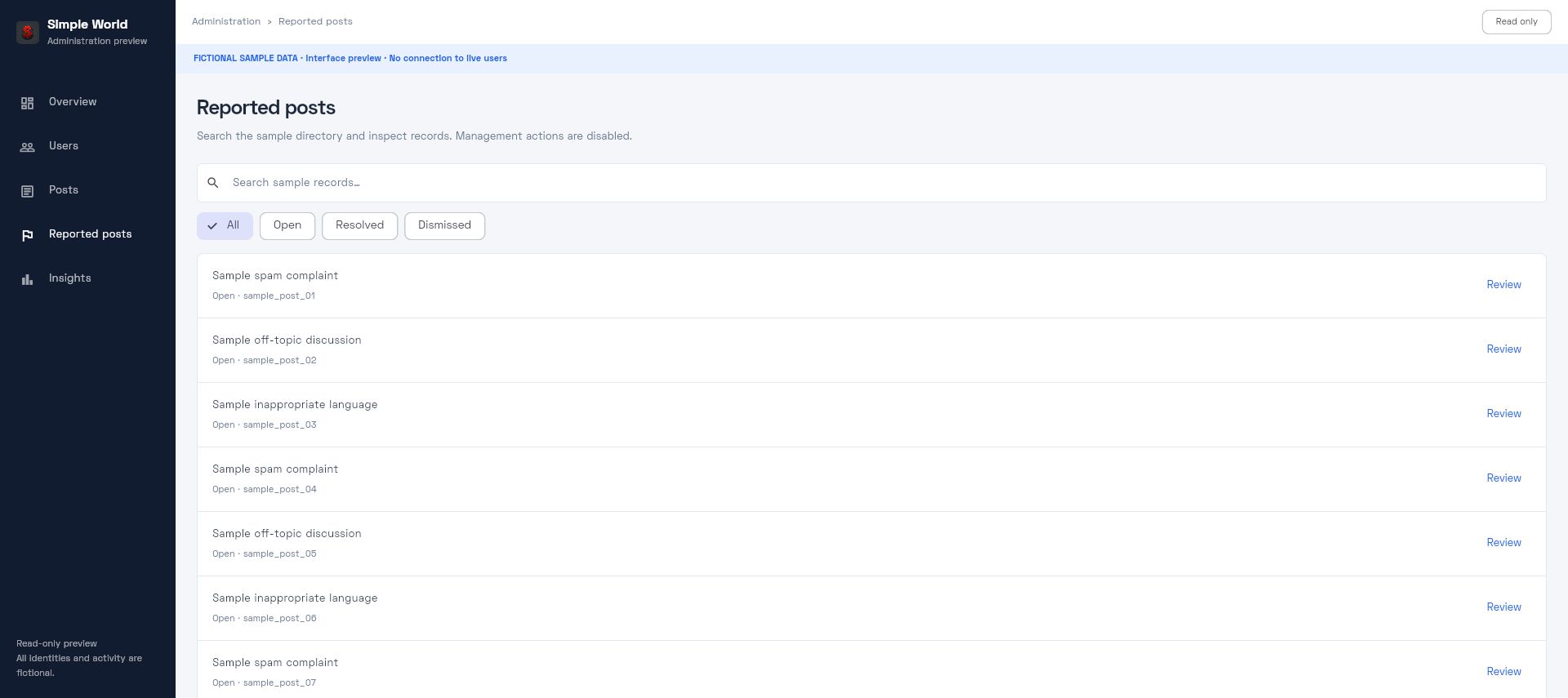
Sample reports in the read-only preview; actions are disabled.